How to Read E-Bike Error Codes: Bosch, Shimano & Bafang Guide
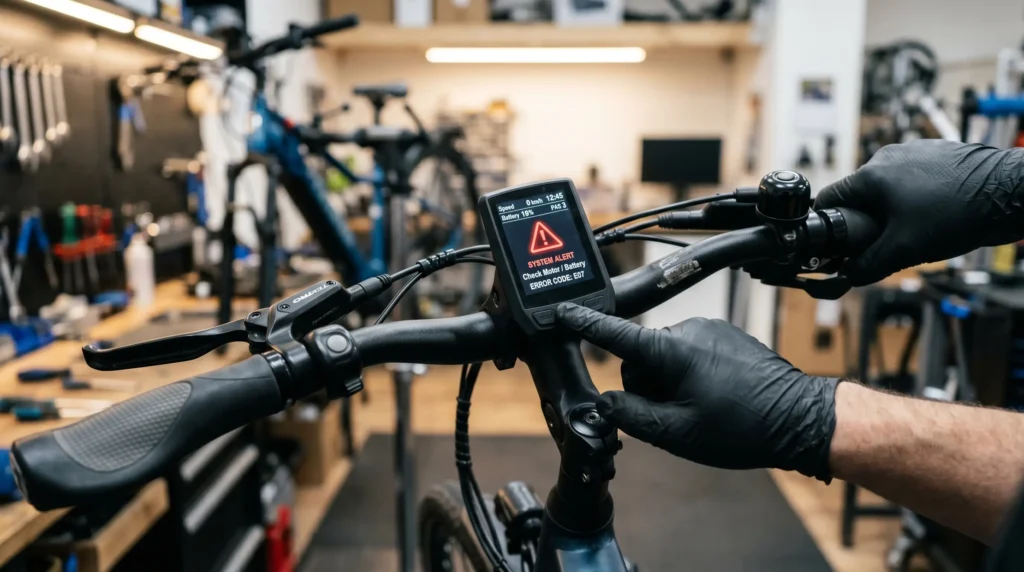
Imagine you’re halfway through a scenic mountain climb or commuting to a vital morning meeting when suddenly, the motor assist cuts out. You look down at your display, and instead of your speed or battery level, you see a cryptic number: Error 503 or W013.
For many riders, these e-bike display error messages feel like a death sentence for their ride. But as a Bosch-certified mechanic with over a decade in the stand, I can tell you that most e-bike error codes are actually your bike’s way of asking for a simple adjustment rather than a costly replacement.
In this comprehensive guide, we will break down how to read e-bike error codes for the “Big Three” motor systems: Bosch, Shimano, and Bafang. Whether you are a daily commuter or a DIY mechanic, this guide will help you diagnose, troubleshoot, and-in many cases-fix your e-bike without a trip to the shop.
What Are E-Bike Error Codes?
Modern e-bikes are essentially computers on wheels. The Motor Control Unit (MCU) constantly monitors sensors for speed, cadence, torque, battery temperature, and voltage.
The purpose of diagnostic systems is to protect the expensive hardware. If a sensor sends data that is “out of spec” (e.g., the motor is too hot or the battery voltage is spiking), the system triggers an error code to prevent permanent damage.
Warnings vs. Critical Errors
- Warnings (e.g., Shimano “W” codes): These indicate a minor issue. The bike usually remains rideable, but performance may be restricted (reduced power).
- Critical Errors (e.g., Bosch “500” series or Bafang Error 30): These are “stop-ride” faults. The system will usually shut off power to the motor to protect the internal circuitry.
Understanding how to read e-bike error codes allows you to distinguish between a simple loose magnet and a fried controller.
How to Find Error Codes on Your E-Bike
Depending on your system, the error code might be easy to spot or hidden in a menu.
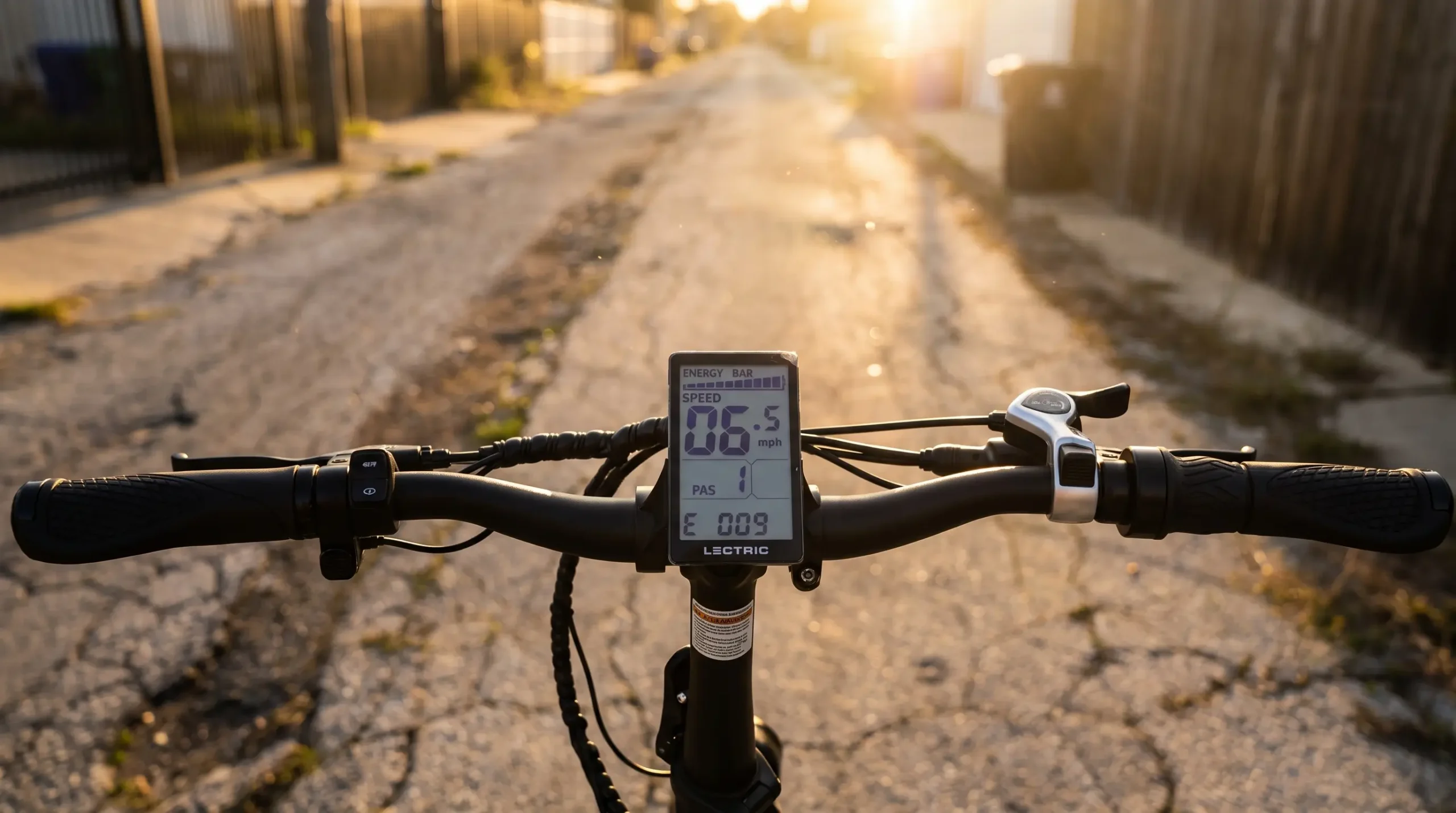
- LCD Displays: On systems like the Bosch Intuvia or Bafang 850C, the code usually flashes in large numbers in the center of the screen.
- Mobile Apps: High-end systems (Bosch Smart System, Shimano STEPS) can be linked to your phone via Bluetooth. The Bosch Flow App or Shimano E-Tube Project will give you a full text description of the error.
- LED Indicators: Some “stealth” e-bikes without screens (like those using the Specialized Mission Control or Mahle systems) use flashing LED color patterns on the top tube to signal errors.
Bosch E-Bike Error Codes Explained
Bosch is the gold standard of mid-drive motors. Their error codes are generally three-digit numbers. If you see a code, the first step is always to restart the system.
Bosch Troubleshooting Table
| Error Code | Meaning | Possible Causes | Recommended Fix |
|---|---|---|---|
| 430 | Display Battery Flat | Internal battery of the display is empty. | Charge display via USB or ride the bike for 30+ mins. |
| 500 | Internal Drive Error | Software glitch or hardware failure. | Restart system. If it persists, the motor unit may need replacement. |
| 503 | Speed Sensor Error | Magnet on the wheel is missing or misaligned. | Adjust the spoke magnet so it passes directly over the sensor. |
| 504 | Tampering Detected | System thinks the bike has been “chipped” or tuned. | Ride the bike for 90 minutes without assist to reset the “limp mode.” |
| 530 | Battery Error | Communication failure between battery and motor. | Clean battery contacts with a dry cloth; ensure battery is fully seated. |
| 550 | Lighting Error | A connected light is drawing too much power or shorted. | Check light wiring for pinches or damage. |
| 640 | Internal Controller Error | Voltage spike or internal hardware fault. | Restart. Check for the latest firmware update at a Bosch dealer. |
Deep Dive: Bosch Error 503
This is the most common code I see in the workshop. The Bosch speed sensor error occurs when the magnet on your rear wheel spoke shifts. The motor doesn’t know how fast you’re going, so it shuts down for safety. Simply loosen the magnet screw, align it with the “arrow” or line on the sensor (on the chainstay), and tighten it.
Shimano STEPS Diagnostic Tools
- Shimano systems (STEPS) allow for deep diagnostics via their “E-Tube Project” software. To connect a bike to a PC, you need an interface box.
- Used for: Adding Bluetooth/ANT+ connectivity to older Shimano bikes so they can connect to the E-Tube mobile app.
- Product:Shimano SM-PCE02 PC Interface Device
- Used for: Connecting Shimano STEPS motors to a computer to read error logs and update firmware.
- Product:Shimano EW-EN100 Junction
Shimano STEPS Troubleshooting Table
| Error Code | Meaning | Possible Causes | Recommended Fix |
|---|---|---|---|
| W013 | Torque Sensor Initialization | Foot was on the pedal during startup. | Restart the bike with your feet off the pedals. |
| W011 | Speed Not Detected | Speed sensor is misaligned or magnet is missing. | Check magnet alignment on the rear wheel. |
| E010 | System Error | Communication error or firmware conflict. | Hard reset: Remove battery, clean terminals, and reinstall. |
| E012 | Torque Sensor Offset | Mechanical stress on the crank at startup. | Ensure the chain isn’t under tension when powering on. |
| E014 | Speed Sensor Error | Sensor is positioned too far from the magnet. | Move magnet closer (1–5mm gap is ideal). |
| W101 | Max Speed Exceeded | Speed sensor detected speeds over the limit. | Ensure you aren’t using a “tuning kit” that the bike has detected. |
Deep Dive: Shimano W013
If you see W013, don’t panic! This is the #1 “user error.” Shimano motors calibrate their torque sensors the moment you press the power button. If your foot is resting on the pedal, the system thinks that “pressure” is the zero-point. The fix? Power off, take your feet off the pedals, and power back on.
Bafang Programming & Error Reading Cables
Bafang is the most “DIY friendly” system. Most error codes can be read on the display, but for deep troubleshooting or settings changes, a USB cable is required.
- Used for: Replacing damaged wiring harnesses (a common cause of Bafang error codes).
- Product:Bafang USB Programming Cable for Mid Drive Motors
- Used for: Connecting BBS01, BBS02, and BBSHD motors to a laptop to read error histories and adjust controller settings.
- Product:Bafang 1T4 Extension Cable
Bafang Troubleshooting Table
| Error Code | Meaning | Possible Causes | Recommended Fix |
|---|---|---|---|
| 07 | Overvoltage Protection | Battery voltage is higher than the controller limit. | Ensure you aren’t using a 52V battery on a 48V controller. |
| 08 | Hall Sensor Error | Internal motor wiring fault. | Check the main wiring harness; if okay, internal sensor is damaged. |
| 10 | Controller Overheating | Riding up steep hills in the wrong gear. | Stop, let the motor cool down, and use a lower gear. |
| 21 | Speed Sensor Error | Magnet is missing or sensor is broken. | Check wheel magnet and sensor cable for cuts. |
| 22 | BMS Communication | Battery Management System not talking to motor. | Check the battery pins for debris or bending. |
| 30 | Communication Error | The display cannot “see” the controller. | Most Common. Unplug all cables, check for bent pins, and reconnect. |
Deep Dive: Bafang Error 30
The dreaded Bafang Error 30 is almost always a physical connection issue. Bafang uses a “1-to-4” wiring harness. If the connection at the handlebar or the main plug at the motor is even slightly loose, the communication line breaks. Unplug it, look for green corrosion or bent pins, apply some electrical contact cleaner, and push it back until the lines meet.
What To Do Before Visiting a Repair Shop
Before you pay a $100 diagnostic fee, run through this pro-mechanic checklist:
- The “Master Reset”: Turn the bike off. Remove the battery. Press and hold the power button on the display (to drain capacitors). Reinstall the battery and power on.
- Check the Magnet: Is the spoke magnet still there? Is it lined up with the sensor? This fixes 50% of all e-bike problems.
- Inspect Your Cables: Look at the wires coming out of your handlebars and motor. Are there any visible crimps, cuts, or pulled wires?
- Clean Your Contacts: Use a dry microfiber cloth to wipe the metal terminal pins on your battery and the cradle. A tiny bit of grit can break a data connection.
- Firmware Updates: Connect your bike to the manufacturer’s app. Sometimes, a software bug is fixed in a newer version.
Common E-Bike Errors You Can Fix Yourself
You don’t need an engineering degree to fix these common issues:
- Slipping Speed Sensor: Use a T25 Torx or a Philips head screwdriver to tighten your spoke magnet.
- Loose Display: If your display flickers or shows a comms error, check the round “Higo” connectors near the stem. They should be tight and the arrows should line up.
- Brake Cut-off Sensor: If your motor won’t start, your brake lever might be stuck. Many e-bikes have a sensor that cuts power when you brake. If the lever doesn’t snap back fully, the motor stays “off.”
When to Seek Professional Help
Some things are beyond a DIY fix. Head to a certified dealer if:
- Internal Motor Noises: If the error code is accompanied by grinding or clicking.
- Battery Management System (BMS) Faults: If your battery won’t charge or the display says “Battery Life Expired.”
- Water Damage: If you’ve pressure-washed your bike and it’s now throwing multiple random codes.
- Bosch Error 500: This usually indicates a fatal internal logic failure that requires a replacement unit under warranty.
Preventing E-Bike Error Codes
The best way to read e-bike error codes is to never see them in the first place!
- Avoid High-Pressure Water: Never use a jet wash. It forces water past the seals into the motor and sensors.
- Store Indoors: Extreme cold or heat can cause battery voltage sag, triggering “Low Voltage” errors.
- Keep It Clean: Mud and salt can corrode the sensitive pins on your battery port.
- Shift Correctly: Mid-drive motors (Bosch/Shimano) hate being “labored.” Shift into an easier gear when climbing to prevent Controller Overheating errors.
Recommended Tools for E-Bike Diagnostics
Every e-bike owner should have a basic “e-kit” in their garage.
1. Digital Multimeter
Recommended Product: AstroAI Digital Multimeter
Why It Helps: Allows you to check if your battery is actually putting out the voltage it claims to be. Great for diagnosing “dead” batteries.
2. Electrical Contact Cleaner
Recommended Product: WD-40 Specialist Contact Cleaner
Why It Helps: Safely removes carbon deposits and moisture from battery and display pins without damaging plastic.
3. Professional Hex Key Set
Recommended Product: Wera Multicolour Hex Keys
Why It Helps: E-bikes use high-torque bolts. Cheap keys round out bolts. Wera keys provide the best grip for adjusting sensors.
4. Bike Repair Stand
Recommended Product: Park Tool PCS-10.3
Why It Helps: You can’t troubleshoot a speed sensor or drivetrain issue while the bike is leaned against a wall.
FAQ Section
What is the most common e-bike error code?
Across all brands, the Speed Sensor Error (Bosch 503, Shimano W011, Bafang 21) is the most common. It is almost always caused by a displaced spoke magnet.
Can I clear e-bike error codes myself?
Many “Warning” codes clear automatically once the physical problem is fixed. However, some “Critical” Bosch or Shimano codes require a dealer-level software tool to reset the system history.
Do Bosch error codes reset automatically?
Yes, if the fault is resolved (like moving the magnet back), the code will disappear on the next power cycle.
Why does my Shimano display show W013?
This happens if you apply pressure to the pedals while turning the bike on. Simply restart the bike with your feet on the ground.
Is it safe to ride with an e-bike error code?
If it’s a warning (W), you can usually pedal home with reduced power. If it’s a critical error (E or 500+), the motor will shut off. It is safe to pedal the bike manually, but you should address the code before using the motor again.
Conclusion
Learning how to read e-bike error codes is the difference between a minor hiccup and an expensive weekend. Remember: Check your magnet, check your battery seat, and check your plugs.
Most e-bike systems are remarkably robust. By following the troubleshooting tables for Bosch, Shimano, and Bafang provided above, you can resolve the majority of issues in your own driveway. Keep your firmware updated, keep your contacts clean, and enjoy the ride!