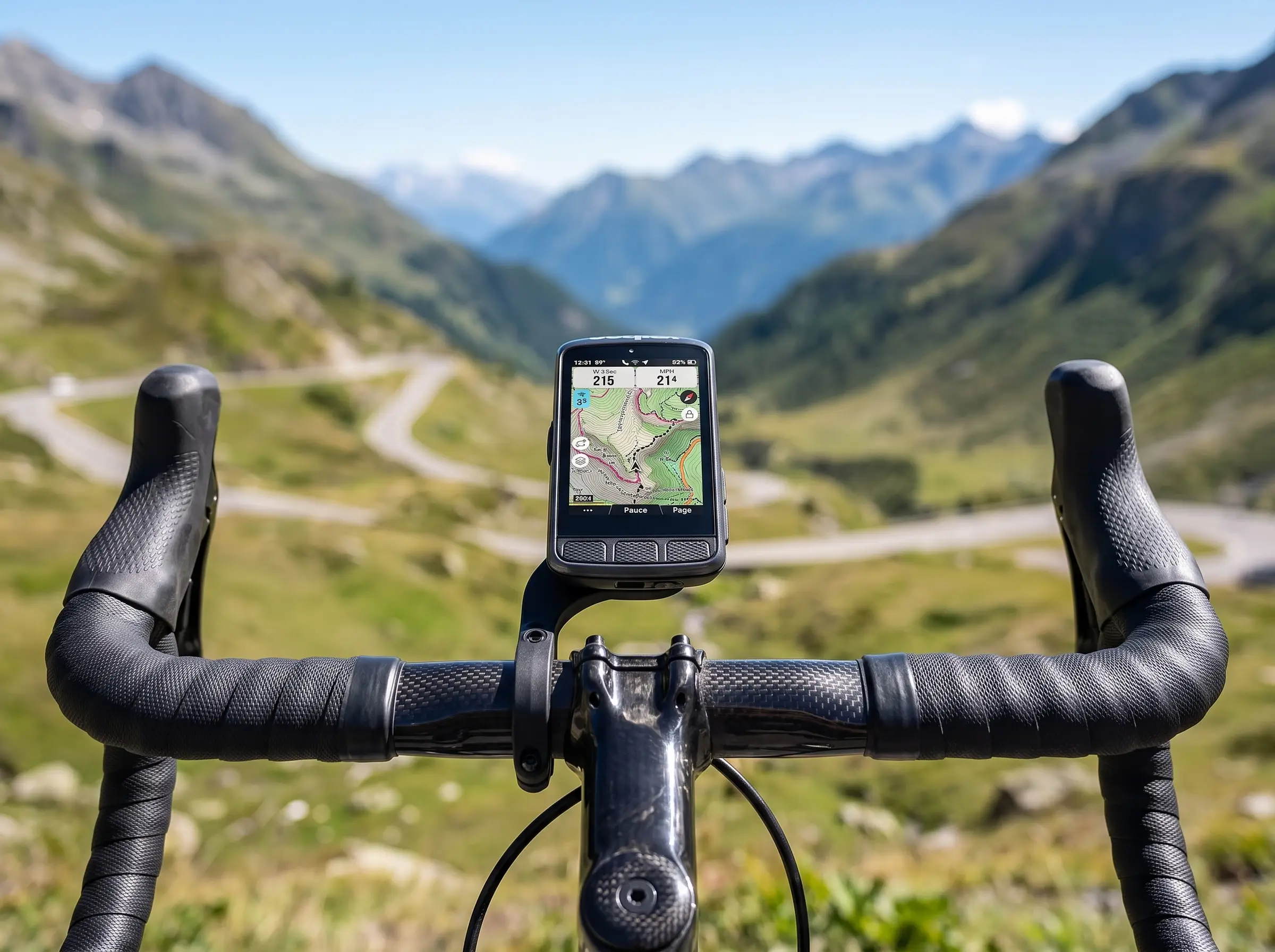
I Always Have the Map on My Screen: Tour de France Bike Computers Guide
When a top-tier Tour de France rider uttered those words during a rest-day interview, it sent a ripple of confusion through the amateur cycling community. For most weekend warriors, the “home screen” of a bike computer is a shrine to speed, distance, and perhaps a ticking clock. We want to know how fast we are going right now.
But for the 176 riders weaving through the narrow, high-stakes corridors of the French countryside, speed is almost irrelevant. In the professional peloton, a Tour de France bike computer isn’t just a speedometer; it is a tactical flight controller, a safety device, and a nutritional alarm clock all rolled into one.
In this comprehensive guide, we are going into the “cockpits” of the world’s best cyclists. We’ll explore the specific data fields that matter when you’re pushing 450 watts up the Alpe d’Huez, why the best bike computer for cycling might not be the one with the most features, and how you can optimize your own device to ride like a pro.
Why Tour de France Riders Depend on Bike Computers
In the “golden age” of cycling, riders relied on feel, road signs, and the occasional shout from a team director leaning out of a Peugeot 504. Today, the cycling GPS computer is the most critical piece of electronics on the bike.
Pro riders depend on these devices for three primary reasons:
- Energy Management: With power meters connected via ANT+, riders know exactly how many “matches” they are burning.
- Safety and Anticipation: The “Map” isn’t for finding their way to Paris; it’s for seeing if the next left-hand turn is a sweeping curve or a 90-degree “dead turn.”
- Team Strategy: Modern computers allow directors to send messages or reminders about crosswinds and feed zones directly to the head unit.
Without their head unit, a pro is essentially flying blind in a storm.
What Data Screens Professional Cyclists Actually Use
If you were to swipe through the screens of a pro’s Garmin Edge 1050 or Wahoo ELEMNT BOLT, you wouldn’t see “Calories Burned” or “Average Speed.” Here is the breakdown of the data that actually wins races.
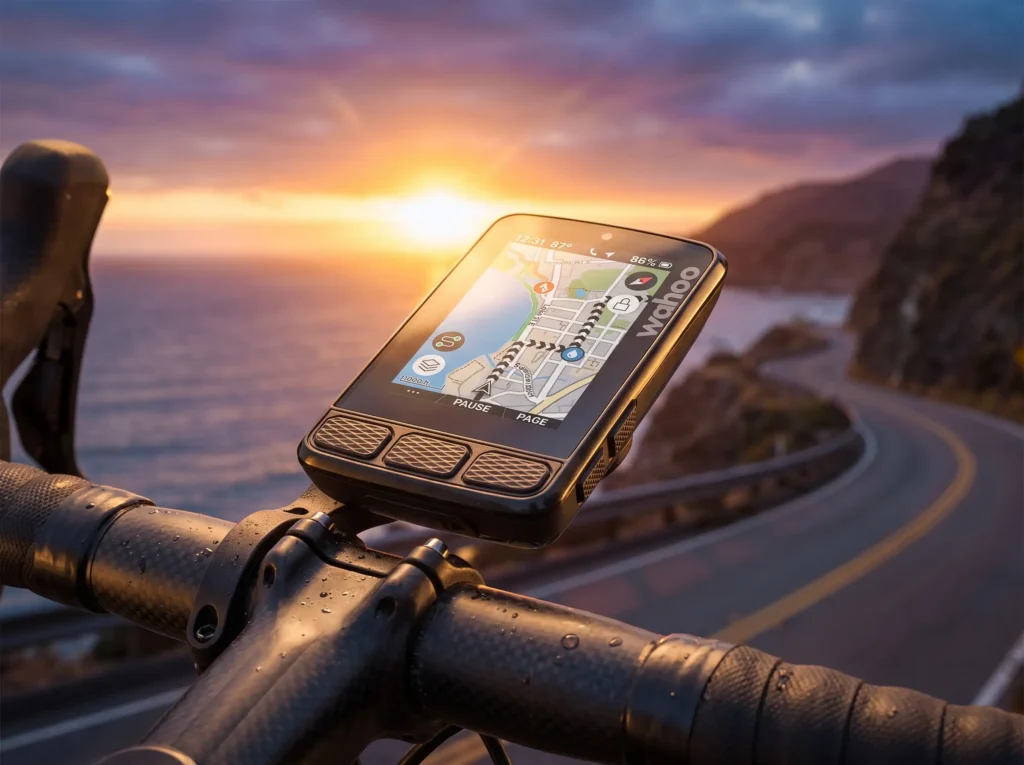
Full Navigation Map
This is the most important screen for a modern pro. By using high-detail maps, riders can see the “shape” of the road ahead. This allows them to know when to move up in the bunch before a narrow bridge or which side of the road to lean into during a high-speed Alpine descent.
Power (3s or 10s Average)
Instantaneous power fluctuates too much to be useful. Pros typically look at 3-second average power or 10-second average power. This smooths out the data, allowing them to hold a steady effort during a time trial or a long climb.
Heart Rate
While power tells you what the bike is doing, heart rate tells you what the body is doing. If a rider’s power is high but their heart rate won’t rise, it’s a sign of deep fatigue. It’s the “internal gauge” that prevents a total “bonk.”
Gradient
When the road tilts upward, pros need to know the percentage. A 5% grade requires a different cadence and effort than a 12% “wall.” Seeing the gradient help them choose the right gear before the load hits their legs.
Distance Remaining
In a 200km stage, the only distance that matters is the distance to the finish line. Pros use this to time their nutrition (e.g., “I need a gel with 20km to go”) and to know when to start the final lead-out.
Cadence
Most pros aim for a specific “efficiency window,” usually between 85 and 100 RPM. If their cadence drops too low on a climb, they know they are grinding their muscles away rather than using their cardiovascular system.
Electronic Shifting Data
With Shimano Di2 or SRAM eTap, the bike computer can show exactly which gear the rider is in. This prevents “cross-chaining” and ensures they aren’t hunting for a gear that isn’t there during a sprint.
Race Alerts
Through specialized apps or team-specific integrations, riders receive alerts for “Crashes ahead,” “Wind direction change,” or “Feed zone in 1km.”
Why Most Pros Don’t Care About Average Speed
To a recreational cyclist, average speed is the ultimate bragging right. To a Tour de France pro, it’s a vanity metric.
Why? Because in a peloton, your speed is determined by the group. If you are sitting in the draft, you might be doing 50km/h at 150 watts. If you are pulling at the front, you might be doing 50km/h at 450 watts. The speed is the same, but the effort is worlds apart.
Pros care about Normalized Power (NP) and VAM (Vertical Ascent in Meters). These metrics tell the true story of the day’s difficulty, regardless of whether the wind was at their back or in their face.
How a Tour de France Bike Computer Differs From Yours
Technically? It doesn’t. One of the beautiful things about cycling is that you can buy the exact same Garmin vs Wahoo hardware that Tadej Pogačar or Jonas Vingegaard uses. The difference lies in the sensors and the data visualization.
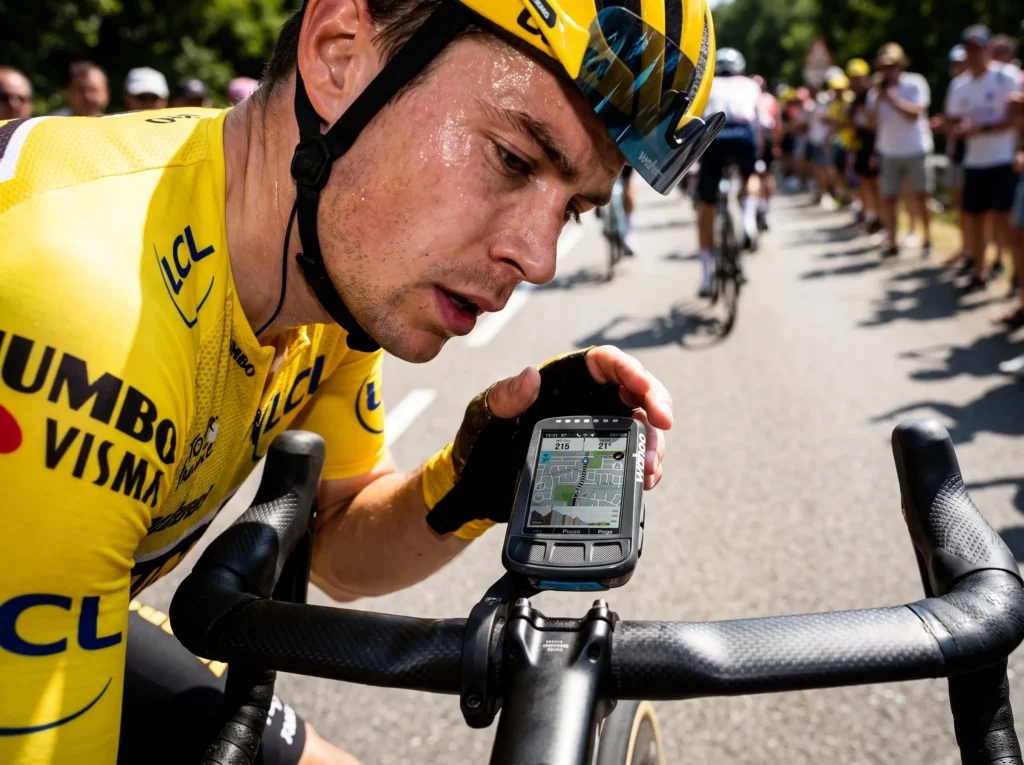
Comparison Table: Pro Setup vs. Amateur Setup
| Feature | Professional Setup | Recreational Setup |
|---|---|---|
| Primary Metric | 3s Average Power (Watts) | Current Speed (km/h) |
| Navigation | Technical Map (Corners/Descents) | Breadcrumb Trail / Turn-by-Turn |
| Sensors | Dual-Sided Power, HRM, Di2 | Speed, Cadence, (Optional) HRM |
| Data Recording | 1-second intervals | Smart Recording (to save battery) |
| Auto-Pause | OFF (Every second counts) | ON (To keep avg. speed high) |
| Screen Size | Small (Aero) or Large (Map visibility) | Usually Mid-sized |
What Bike Computers Do Tour de France Teams Use?
The pro peloton is split between three major players. Each offers unique advantages that cater to different team philosophies.
- Garmin: The “Data King.” Teams like Visma-Lease a Bike use Garmin because of the deep ecosystem (Vector pedals, Varia radar, Index scales).
- Wahoo: The “Simplicity King.” Teams like EF Education-EasyPost love Wahoo for its “Aerobolt” design and incredibly easy-to-read LED indicators.
- Hammerhead: The “Visual King.” Used by Israel-Premier Tech, the Karoo offers the best screen resolution in the business, making maps look like a high-end smartphone.
Best Bike Computers Inspired by the Tour de France
If you want to upgrade your cockpit to match the pros, here are the top-rated Amazon products currently dominating the market.
1. Garmin Edge 1050
Best Overall
The Garmin Edge 1050 review scores are through the roof for a reason. This is the latest flagship from Garmin, featuring a stunning liquid crystal display that rivals a smartphone. It is the most powerful Tour de France bike computer on the market today.
- Key Features: Vivid LCD screen, built-in speaker for verbal prompts, Garmin Pay, and GroupRide messaging.
- Pros: Incredible display clarity; fastest processor in any Garmin.
- Cons: Battery life is shorter than the 1040 Solar; it’s a premium price.
- Who Should Buy It: The cyclist who wants the absolute best technology and a screen that is visible in any light.
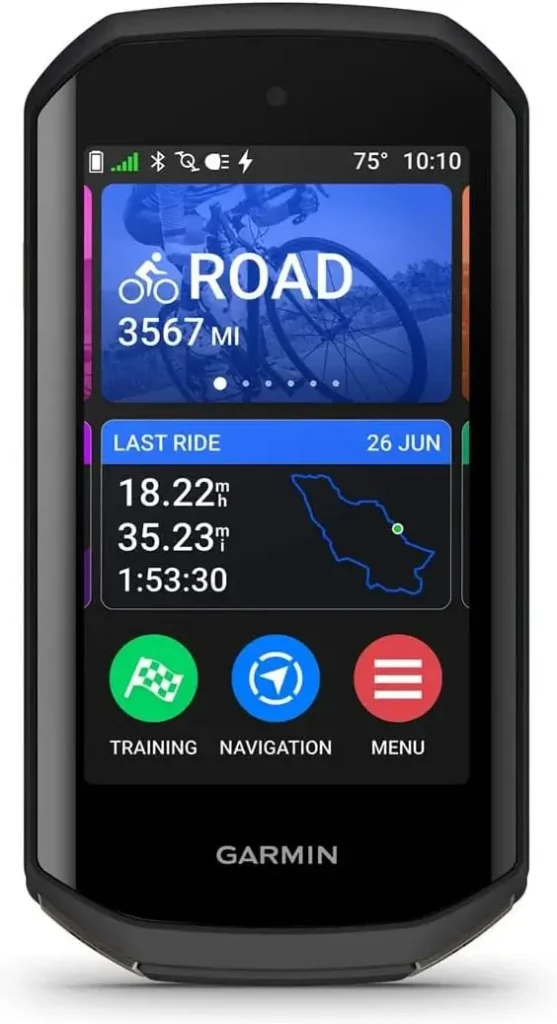
2. Garmin Edge 840
Best Performance & Training
The 840 is the “Goldilocks” of the Garmin range. It offers both touchscreen and button controls—a favorite feature for pros who need to navigate screens with sweaty hands or winter gloves.
- Key Features: Multi-band GNSS for pinpoint accuracy; ClimbPro 2.0 (shows climbs even without a pre-loaded route).
- Pros: Compact size; excellent battery life; intuitive interface.
- Cons: The screen is smaller than the 1050/1040.
- Who Should Buy It: Serious racers and climbers who need a lightweight but fully-featured device.
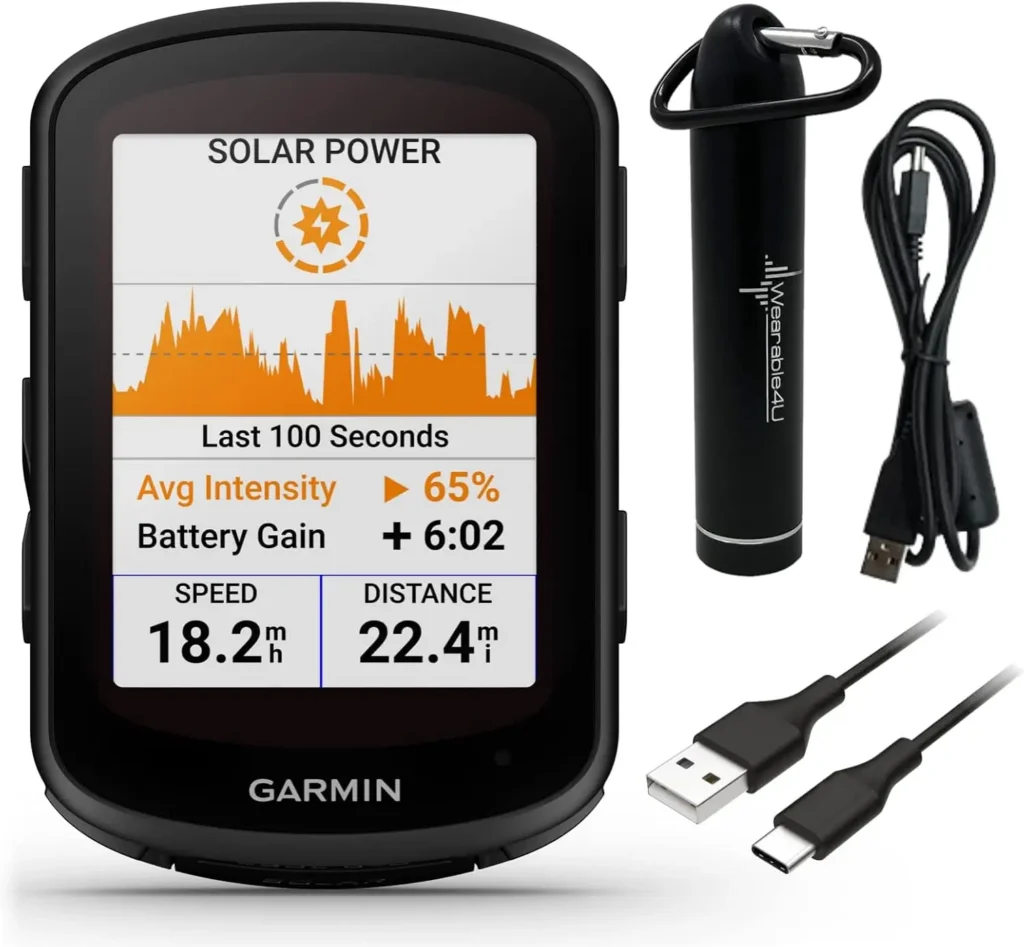
3. Garmin Edge 540
Best Value Garmin
Essentially the 840 without the touchscreen. If you prefer the tactile feel of buttons and want the same pro-level data tracking (ClimbPro, Stamina insights), the 540 is the best GPS bike computer for the money.
- Key Features: Target adaptive coaching; 26+ hours of battery life.
- Pros: Same internal software as the expensive models; very durable.
- Cons: Menu navigation via buttons can be slightly slower than a touchscreen.
- Who Should Buy It: Budget-conscious riders who still want “Pro” data.
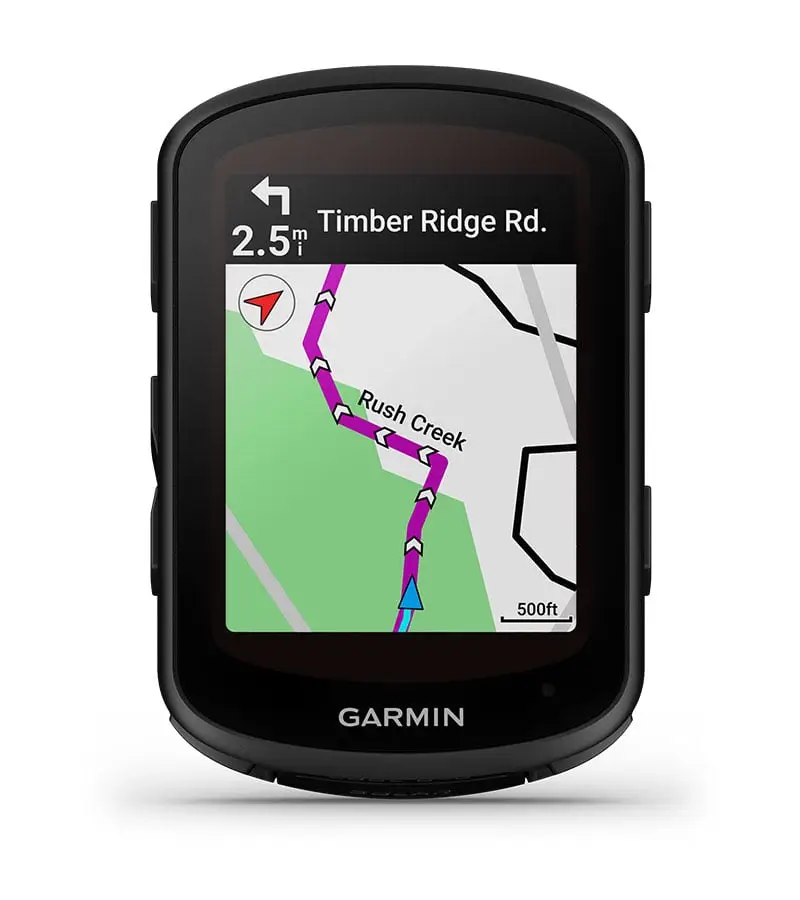
4. Garmin Edge 1040 Solar
Best Battery Life
Used by ultra-endurance pros, the 1040 Solar uses Power Glass to recharge while you ride. In the right conditions, you can get 45+ hours of life.
- Key Features: Solar charging; Massive 3.5-inch screen; Advanced cycling dynamics.
- Pros: Practically infinite battery for daytime rides; huge map view.
- Cons: Large footprint on the handlebars.
- Who Should Buy It: Bikepackers and “Everesting” challengers.
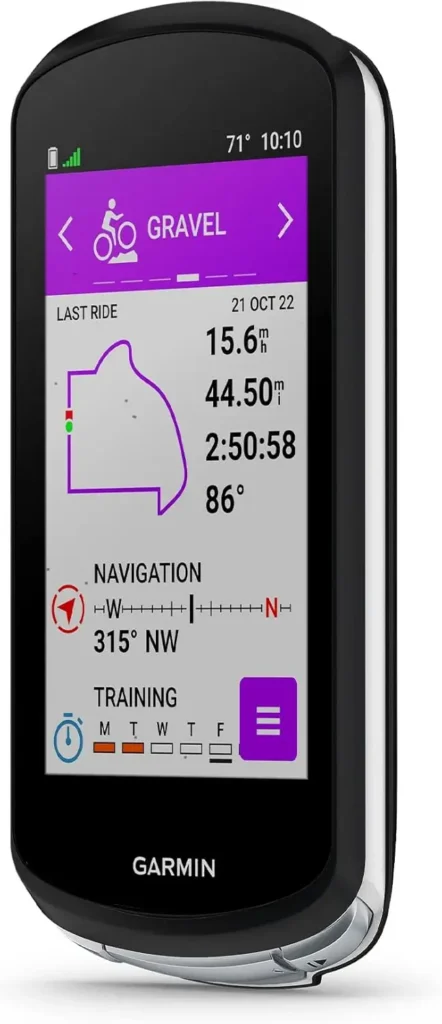
5. Wahoo ELEMNT ACE
Best Large Display
Wahoo’s answer to the “large screen” trend. The ACE provides a massive canvas for data without the complexity of Garmin’s deeper menus.
- Key Features: Aero-optimized mount; Simple “Perfect View” zoom buttons.
- Pros: The most readable screen at high speeds; easiest setup via smartphone app.
- Cons: Fewer “lifestyle” features compared to Garmin.
- Who Should Buy It: Riders who find Garmin menus too “fiddly” and want a big, clear map.
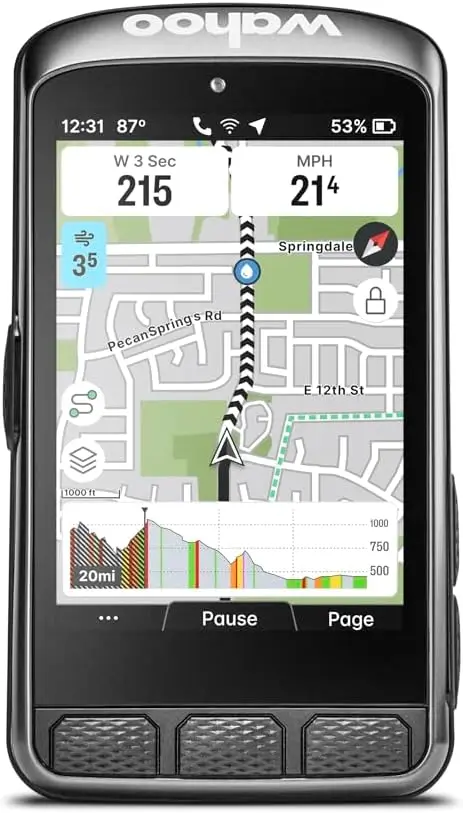
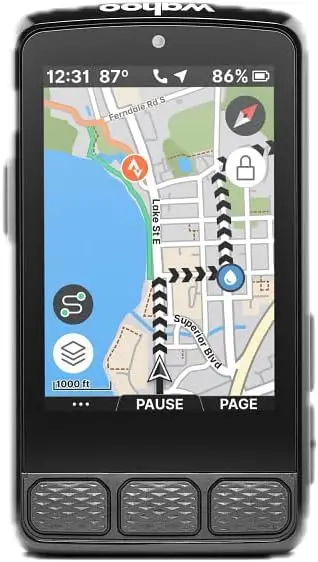
6. Wahoo ELEMNT ROAM V3
Best Navigation
The ROAM V2 features a 64-color high-contrast screen that makes navigation cues pop. It’s rugged, reliable, and “just works.”
- Key Features: Dual-band GPS; on-device “Back on Track” rerouting.
- Pros: The LEDs on the side provide instant visual cues for power or navigation.
- Cons: Screen isn’t as sharp as the Garmin 1050 or Karoo.
- Who Should Buy It: The adventurous road and gravel cyclist.
7. Wahoo ELEMNT BOLT V2
Best Compact Computer
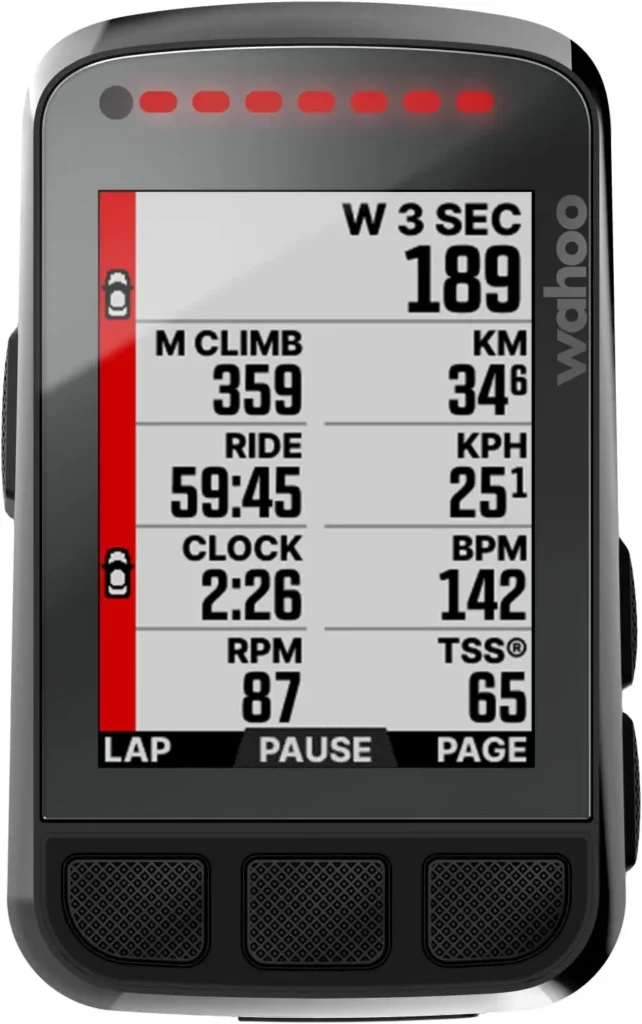
The BOLT was designed in a wind tunnel. It is the most aerodynamic cycling GPS computer and is the go-to for sprinters and time-trialists who care about every gram and every watt of drag.
- Key Features: Aerodynamic integrated out-front mount; Small but high-contrast color screen.
- Pros: Looks sleek; very lightweight; incredibly reliable software.
- Cons: Too small for complex map viewing.
- Who Should Buy It: Criterium racers and “Weight Weenies.”
8. Hammerhead Karoo
Best Maps & Navigation
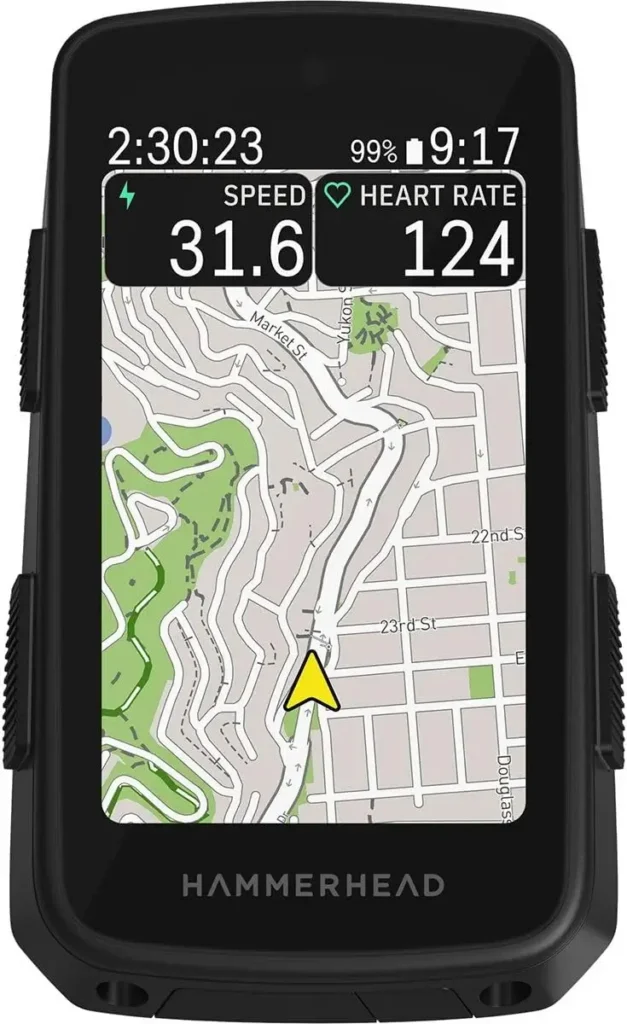
The Hammerhead Karoo review consensus is that it has the best user interface in the world. It runs on an Android-based OS, meaning the transitions are smooth and the maps look like Google Maps.
- Key Features: Stunning high-res screen; frequent software updates; excellent “Climber” feature.
- Pros: Best visual experience; superior “on-the-fly” route creation.
- Cons: Battery life is lower than Garmin/Wahoo competitors.
- Who Should Buy It: Technophiles and riders who prioritize map clarity above all else.
How Professional Cyclists Customize Their Screens
A pro doesn’t use one screen for the whole race. They usually have 3-4 specialized pages:
- The “Work” Screen: Power (3s), Cadence, Heart Rate, Lap Power (for intervals/climbs), and Distance to Finish.
- The “Map” Screen: Full-screen navigation with 2 small data fields at the bottom (usually Power and Time).
- The “Climb” Screen: Specialized views like Garmin’s ClimbPro or Hammerhead’s Climber, which show the profile of the hill, the remaining elevation, and the gradient of the upcoming switchbacks.
- The “Sprint” Screen: Just two fields in huge font: Distance to Finish and 3s Power. When your heart rate is 190 bpm, you can’t read small numbers.
What Data Screen Should Beginners Use?
If you are just starting out, don’t overwhelm yourself with “Normalized Power” or “TSS.” Focus on these four fields:
- Distance: To know how far you’ve gone.
- Current Speed: For motivation.
- Time of Day: So you aren’t late for dinner!
- Heart Rate: (If you have a strap) to ensure you aren’t pushing too hard too early.
Recommended Data Fields by Rider Type:
- Endurance Riders: Distance Remaining, Average Heart Rate, Calories, Map.
- Climbers: Gradient, VAM (Vertical Ascent Meter), 3s Power, Altitude.
- Racers: Lap Power, Distance to Go, Gear Ratio, 10s Power.
- Gravel Riders: Map (Top priority), Electronic Shifting (to monitor battery), Compass.
Garmin vs. Wahoo vs. Hammerhead: Which One Is Best?
In 2024, the “best” is subjective.
- Choose Garmin if you are a data nerd. The amount of recovery analysis and physiological metrics is unmatched. The Garmin Edge 1050 is the current king of hardware.
- Choose Wahoo if you want simplicity. The setup is done entirely on your phone, and the devices are incredibly robust.
- Choose Hammerhead if you want the best visual experience and the most modern-feeling software.
People Also Ask (FAQ)
Do Tour de France riders use Garmin?
Yes, a large portion of the peloton uses Garmin. Teams like Visma-Lease a Bike and Ineos Grenadiers are long-term Garmin partners.
What bike computers do professional cyclists use?
The three dominant brands are Garmin (Edge series), Wahoo (ELEMNT series), and Hammerhead (Karoo).
Why do cyclists use power instead of speed?
Speed is affected by wind, drafting, and terrain. Power is an absolute measure of effort. It allows for precise pacing and energy management.
Should I buy Garmin or Wahoo?
If you want deep data and a massive ecosystem, go Garmin. If you want a user-friendly interface and a “set-it-and-forget-it” experience, go Wahoo.
Is Hammerhead Karoo better for navigation?
Many experts believe so. Its screen resolution is higher, and its routing engine is more responsive than older Garmin models, though the new Edge 1050 has closed that gap significantly.
Can beginners benefit from GPS bike computers?
Absolutely. Beyond tracking stats, the safety features (like Incident Detection) and the ability to follow new routes without getting lost are invaluable for new riders.
Expert Verdict
The pro’s mantra-“I always have the map on my screen”—is a lesson in situational awareness. Whether you are racing for a yellow jersey or just trying to find a new coffee shop on a Saturday morning, the best bike computer for cycling is the one that gives you the confidence to explore.
If you want the pro experience, look at the Garmin Edge 840 or the Wahoo ELEMNT ROAM. They offer the perfect balance of navigation, battery life, and high-level data that will help you ride further, faster, and safer.